
01
Plan a color change before an appointment
Try a few color directions on your own photo before committing to a salon service, so you arrive with a clearer starting point.
Upload a clear selfie to try a hair color virtually. Get an AI suggestion, compare up to four preset shades, match a reference color, or describe the color you have in mind. The generator is designed to change visible hair color while leaving your haircut, face, and scene unchanged.
1,225 AI Hairstyle Ideas generated in the last 7 days
1. Upload a clear selfie
Your virtual hair try-on
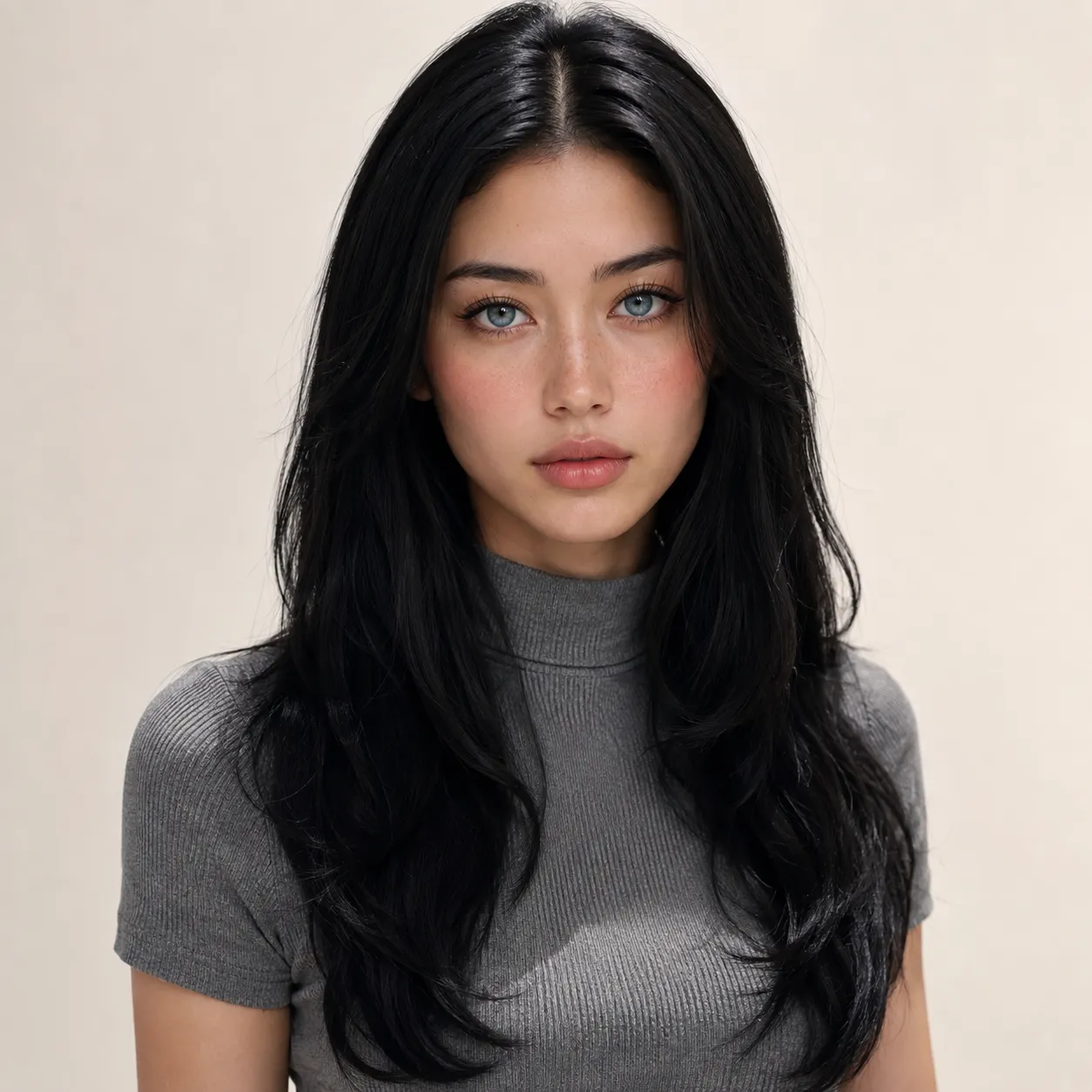 Before
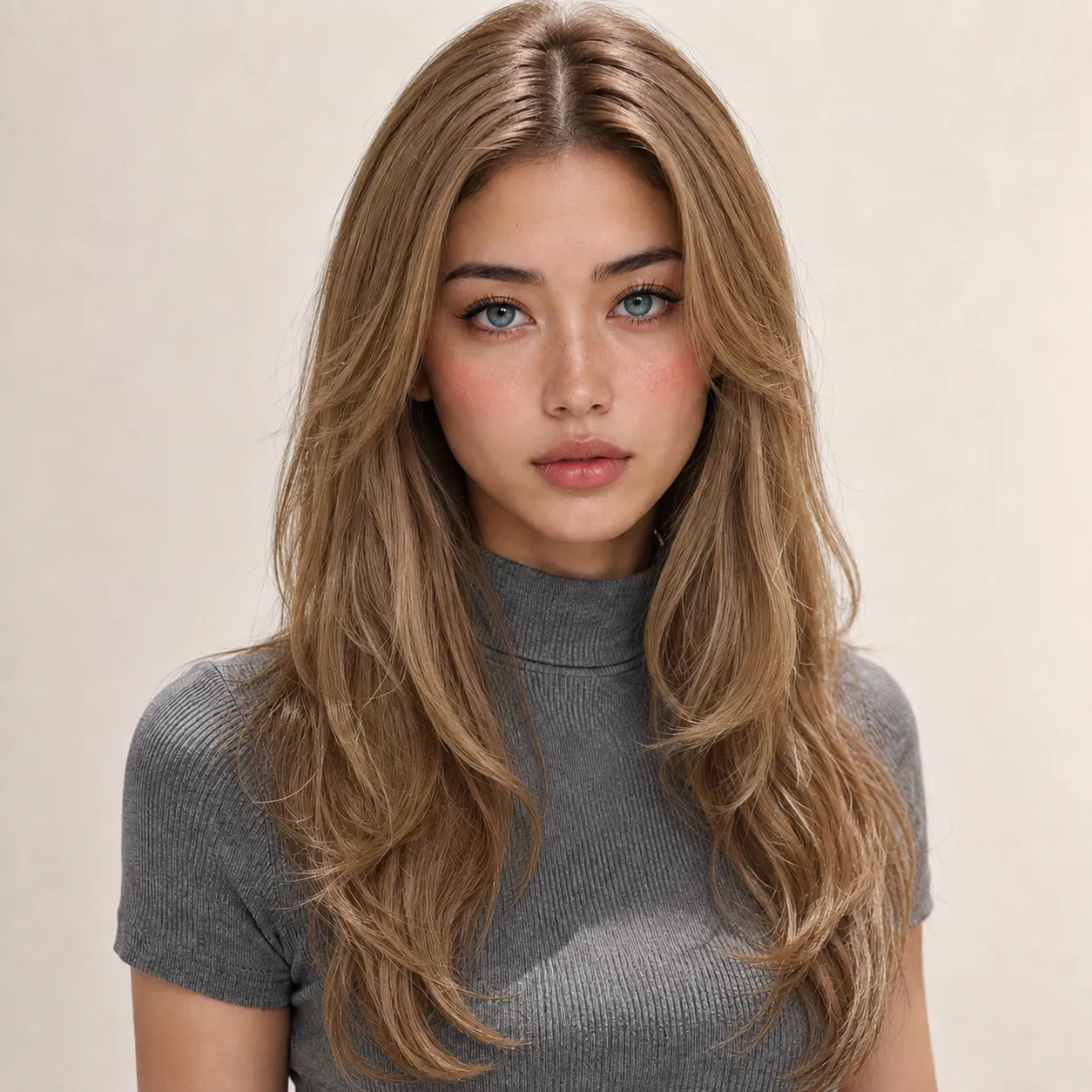 After
AfterYour hair color previews will appear here after generation.
2. Choose a virtual hair try-on mode
AI pick for my photo
Get a natural-looking color suggestion based on the tones and contrast visible in your photo.
Use one selfie to explore a color direction, compare options, and save results you want to revisit.
Choose a front-facing photo with your hairline, current hair, and face clearly visible.
Get an AI suggestion, compare preset shades, upload a color reference, or describe the color you want.
Create one preview for a recommendation, reference, or custom request. Preset mode can create up to four separate color previews.
Review each preview, then download the individual images you want to compare later or show to a stylist.
Choose your starting point
Each mode answers a different color question. Start with the amount of direction you already have.
Choose this for one color direction based on the visible tones and contrast in your photo.
Choose this to compare familiar options such as ash brown, copper, honey blonde, or cherry cola.
Choose this if you have an inspiration photo or swatch and want to carry over its tone, highlights, and color placement.
Choose this if you can describe a specific color, such as a cool brown with soft beige highlights.
Five ways to use a preview
A preview gives you something concrete to discuss before an appointment, while comparing a shortlist, or during a client consultation.
Try a few color directions on your own photo before committing to a salon service, so you arrive with a clearer starting point.
Compare separate previews for a few preset shades when names or swatches alone do not make the choice clear.
Use a reference photo or swatch to focus a conversation on the tone, highlights, and placement you want. It is not meant to copy someone else's look.
Download a preview to show the color direction you are considering and discuss warmth, depth, or highlights.
Stylists can use a client-provided portrait to explore visual color directions together. Treat the result as a discussion aid, not a guaranteed salon outcome.
Photo checklist
The preview uses what is visible in your photo. These choices make color directions easier to judge.
Use a photo where your current hair, part, and hairline are visible instead of covered by a hat, hand, or heavy crop.
Lighting and contrast affect what is visible in a selfie. A clear, front-facing photo gives you a better basis for comparing color directions.
In reference mode, choose an image where the hair tone, highlights, and placement are easy to see. The tool uses only those color details as direction.
Compare directions with the preview, then use it to start a conversation with a stylist. It is not a salon formula or a professional color consultation.
Clear photos make color previews easier to compare.
Common questions before you generate a virtual hair try-on.