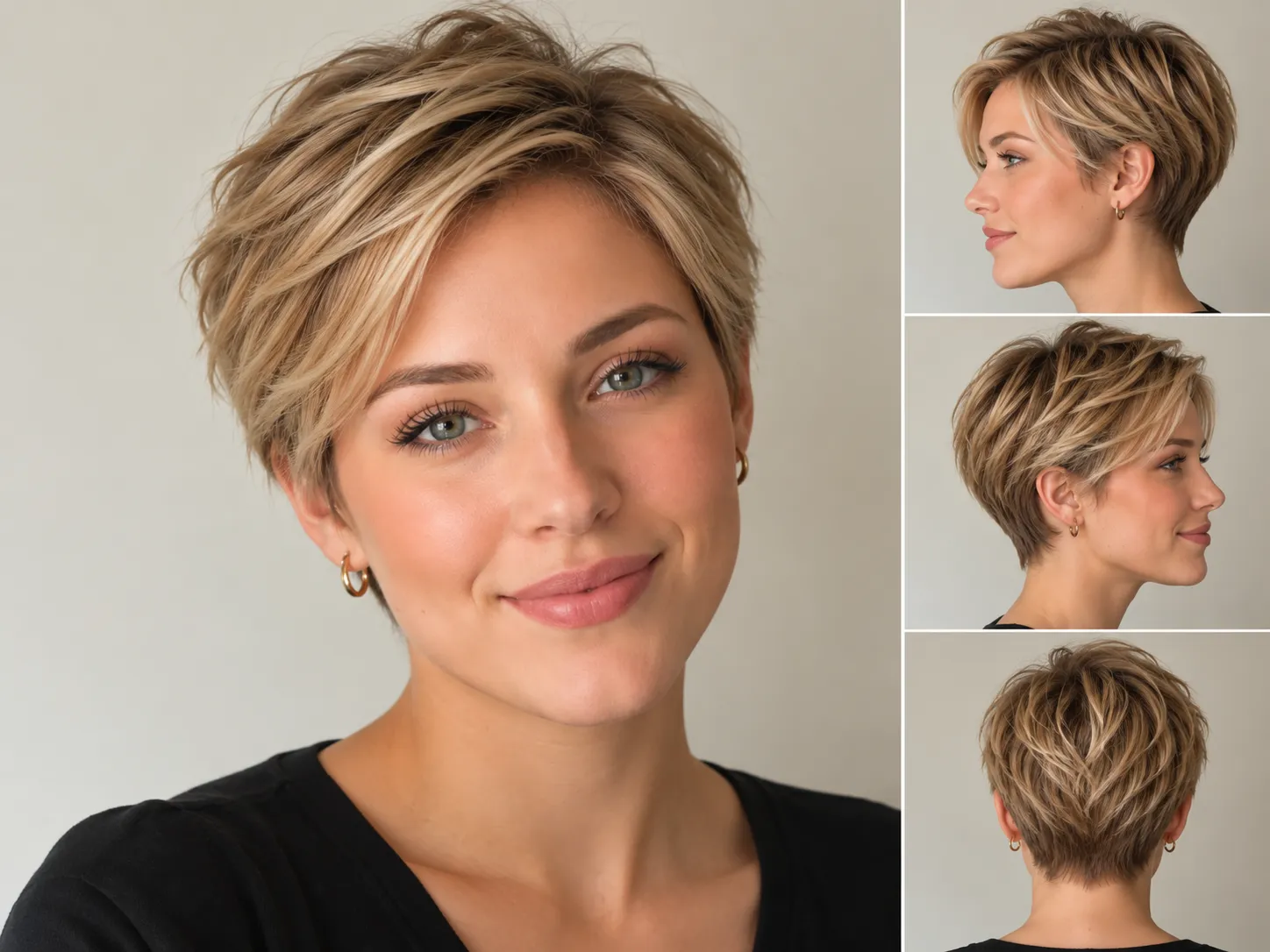
AI Pixie Haircut Filter

Pixie Cut Filter: Find your perfect pixie cut

Wondering how you would look with a pixie? Upload your portrait and compare short sides, a longer top, curls, or bangs on your own photo before deciding what to ask your stylist for.

1. Upload portrait

Use one clear front-facing selfie

Your hairstyle preview

BeforeBefore
AfterAfter

Your AI hairstyle previews will appear here.

Choose a mode

2. Choose a pixie style

8 styles
Selected: 1/10
Total cost: 10 credits·Remaining 10 credits

What does a pixie cut filter show?

A pixie cut filter creates a short-hair preview from your portrait. A pixie usually keeps the sides and nape short while leaving more length at the crown or fringe. Small changes in those areas can make the cut look close and neat, soft and feathered, or longer at the front. Use this pixie cut filter online to compare those proportions on your photo. The AI is asked to retain your facial features and the original setting, though it can still change details. Treat the result as a visual reference for a haircut conversation.

See the shorter outline

Compare how exposed ears, a shorter nape, and different top lengths change the outline around your face.

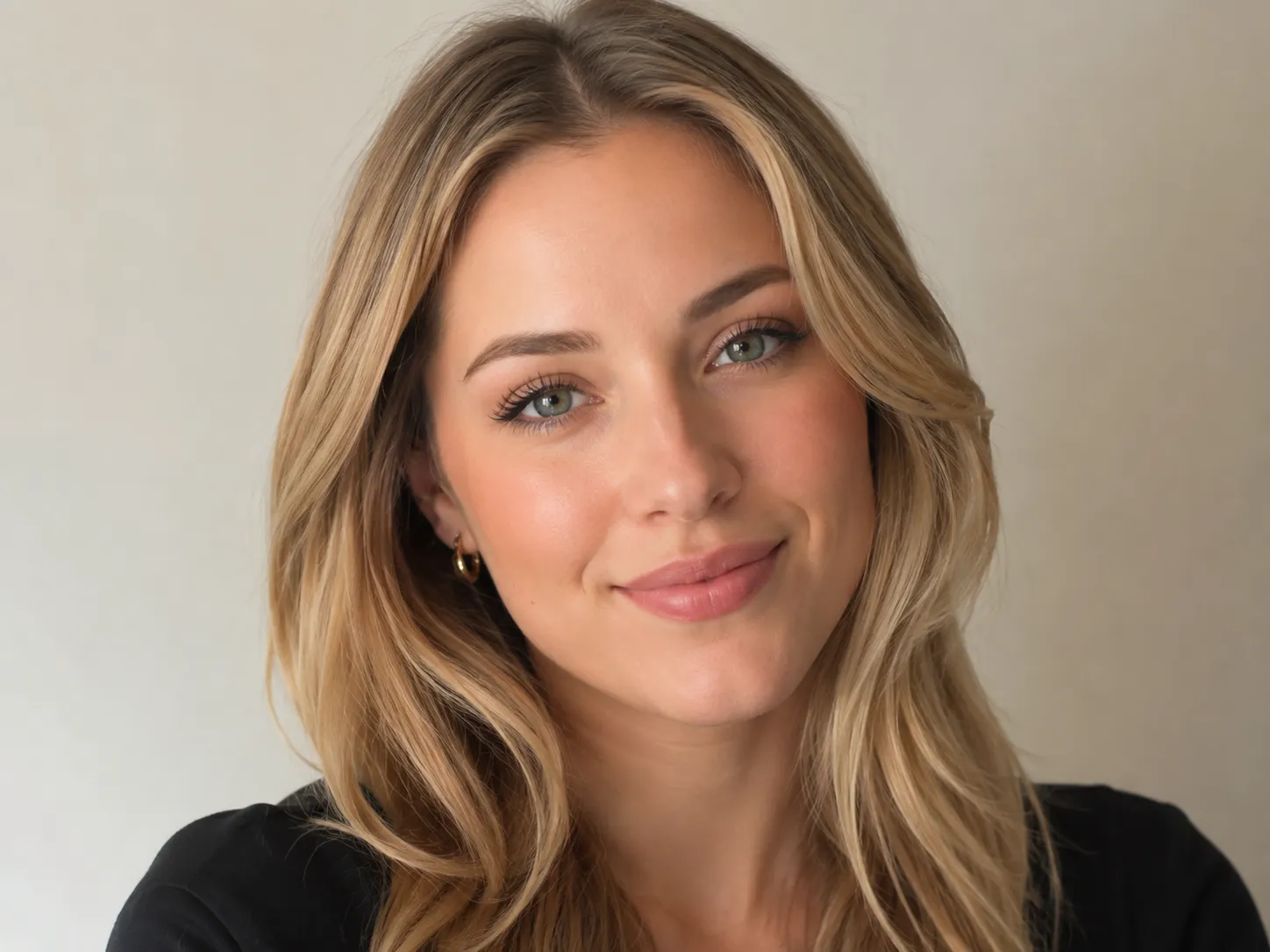
Start with your own portrait

Your uploaded photo gives the model a starting point for the face, pose, and lighting in the preview.

Describe the details you want

Use a preset or describe a pixie with a longer fringe, a close undercut, softer edges, or a different color.

Which pixie cut would you like to try?

Compare the length, shape, and texture of eight pixie references, then choose a style to preview on your photo.

Curly Pixie

Curls add height and shape above shorter sides, while a tapered nape keeps the outline compact.

Length:
Short sides with curls left longer on top
Shape:
Defined curls with a tapered outline
Good starting point for:
Comparing curl volume in a short cut
Try Curly Pixie

Korean Pixie

Soft, airy layers and a wispy fringe create light volume without a sharply clipped finish.

Length:
Tapered nape with a longer, airy top and fringe
Shape:
Light layers and a soft, polished outline
Good starting point for:
Trying a soft, face-framing pixie
Try Korean Pixie

Long Pixie

Extra length at the crown and front gives you more fringe to sweep or part while the nape stays short.

Length:
Longer top and front, short nape
Shape:
Swept layers around the forehead
Good starting point for:
Keeping more length around the face
Try Long Pixie

Pixie Bob

Pixie layers meet a rounded bob shape, with slightly more length around the ears and nape.

Length:
Layered crown with longer sides and nape
Shape:
Rounded outline with soft stacking
Good starting point for:
Comparing a shape between a pixie and a bob
Try Pixie Bob

Pixie Wolf

Choppy layers build volume at the crown, with face-framing pieces and a light, wispy nape.

Length:
Short layered crown with a slightly longer nape
Shape:
Choppy, airy, and face-framing
Good starting point for:
Trying a sharper layered pixie
Try Pixie Wolf

Shaggy Pixie

Tousled, uneven layers and a piecey fringe create a relaxed, textured outline.

Length:
Short layered shape with a flexible fringe
Shape:
Tousled layers and piecey texture
Good starting point for:
Trying a relaxed, less polished pixie
Try Shaggy Pixie

Soft Pixie

Feathered edges soften the outline, while light layers leave some movement through the top.

Length:
Short sides with a lightly layered top
Shape:
Soft edges and gentle texture
Good starting point for:
Trying a pixie without a clipped finish
Try Soft Pixie

Zendaya Pixie

A polished, Zendaya-inspired pixie pairs tapered sides with a softly textured, side-swept top.

Length:
Tapered sides with more length on top
Shape:
Polished texture and a side-swept shape
Good starting point for:
Comparing a sleek, dressed-up pixie
Try Zendaya Pixie

Compare the proportions around your face

Face shape can give you a starting point. Use the preview to compare where height, side volume, and fringe draw your eye, then discuss the cut with a stylist.

Round face

Compare a little height at the crown with closer sides, or try a side-swept fringe to see how the diagonal line changes the balance.

Square face

Try feathered edges or a soft fringe, then compare them with the more defined outline of an undercut pixie.

Long or oblong face

Compare a lower crown and some fringe coverage with a taller textured top. Notice how each changes the visible proportions.

Oval or heart-shaped face

Use a long or asymmetrical pixie to compare how the front frames your forehead, cheekbones, and jaw.

Plan a pixie around your hair texture

A pixie cut AI preview helps you compare a shape. It cannot tell you how your hair will fall after a cut or how much styling it will need.

Fine hair

Compare a compact classic pixie with a longer top. Ask your stylist how much layering will leave enough weight through the crown.

Thick hair

Try a soft or undercut pixie to compare different amounts of side volume. A stylist can assess where removing bulk would help.

Wavy hair

A longer or textured top gives waves room to show. Discuss cowlicks and the direction your fringe naturally falls before choosing the length.

Curly hair

Use the curly preset to compare a short outline, then plan the actual length around shrinkage and how your curls sit when dry.

Pixie cut try on: from photo to preview

Compare the details that matter to you before bringing a short-hair reference to your next appointment.

1

Upload a clear portrait

Use a front-facing photo with even lighting and a visible face outline. Avoid hats and hair covering your eyes.

2

Choose your pixie styles

Select one or more presets, or describe a custom pixie with your preferred top length, fringe, texture, and color.

3

Sign in and generate

Check your available credits before generating. Each selected style creates a separate preview and uses 10 credits.

4

Compare and save a reference

Look at the crown, ears, fringe, and nape in each result. Download the preview to discuss the shape and upkeep with your stylist.

Pixie Cut Filter FAQ

Answers about trying a pixie online, choosing a style, and using your preview.


See a pixie on your photo before the cut

Compare a soft fringe, a longer top, or a closer outline and save the details you want to discuss with your stylist.